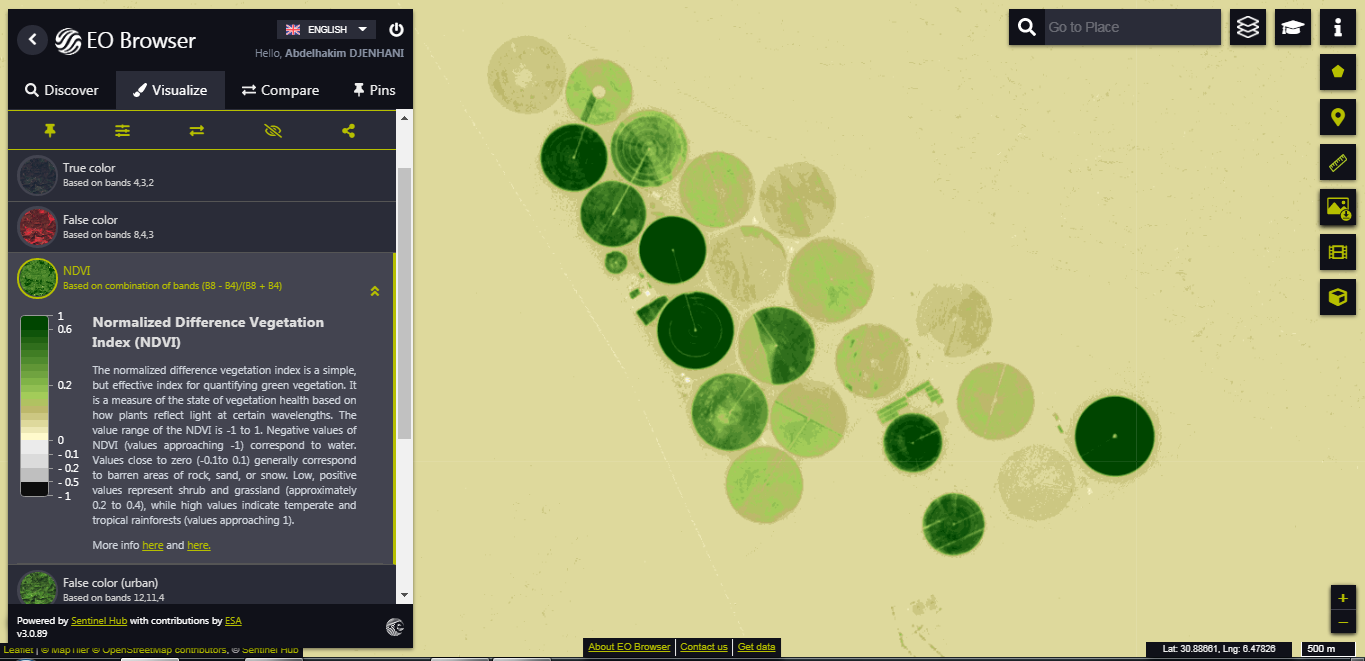
Hello everybody
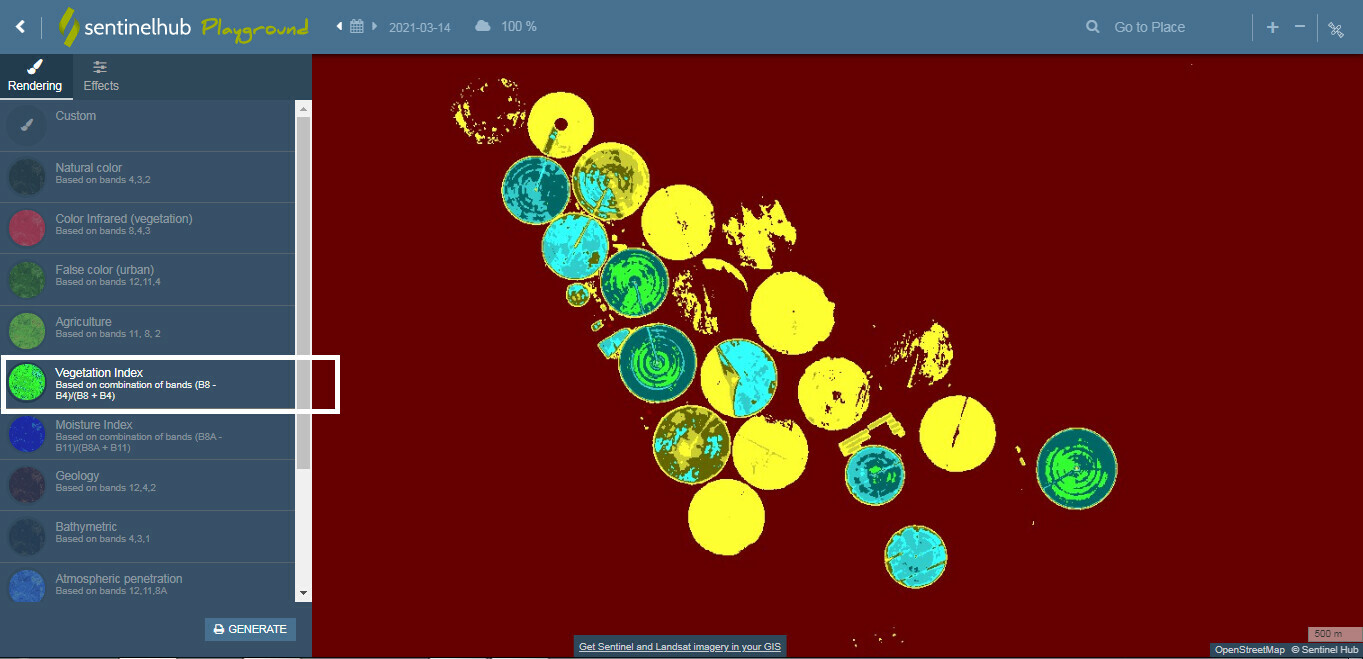
I’m currently using “Sentinel Hub Playground” (I plan also to move to the EO-browser soon, although I have still some problems with this - depending probably on my PC browser).
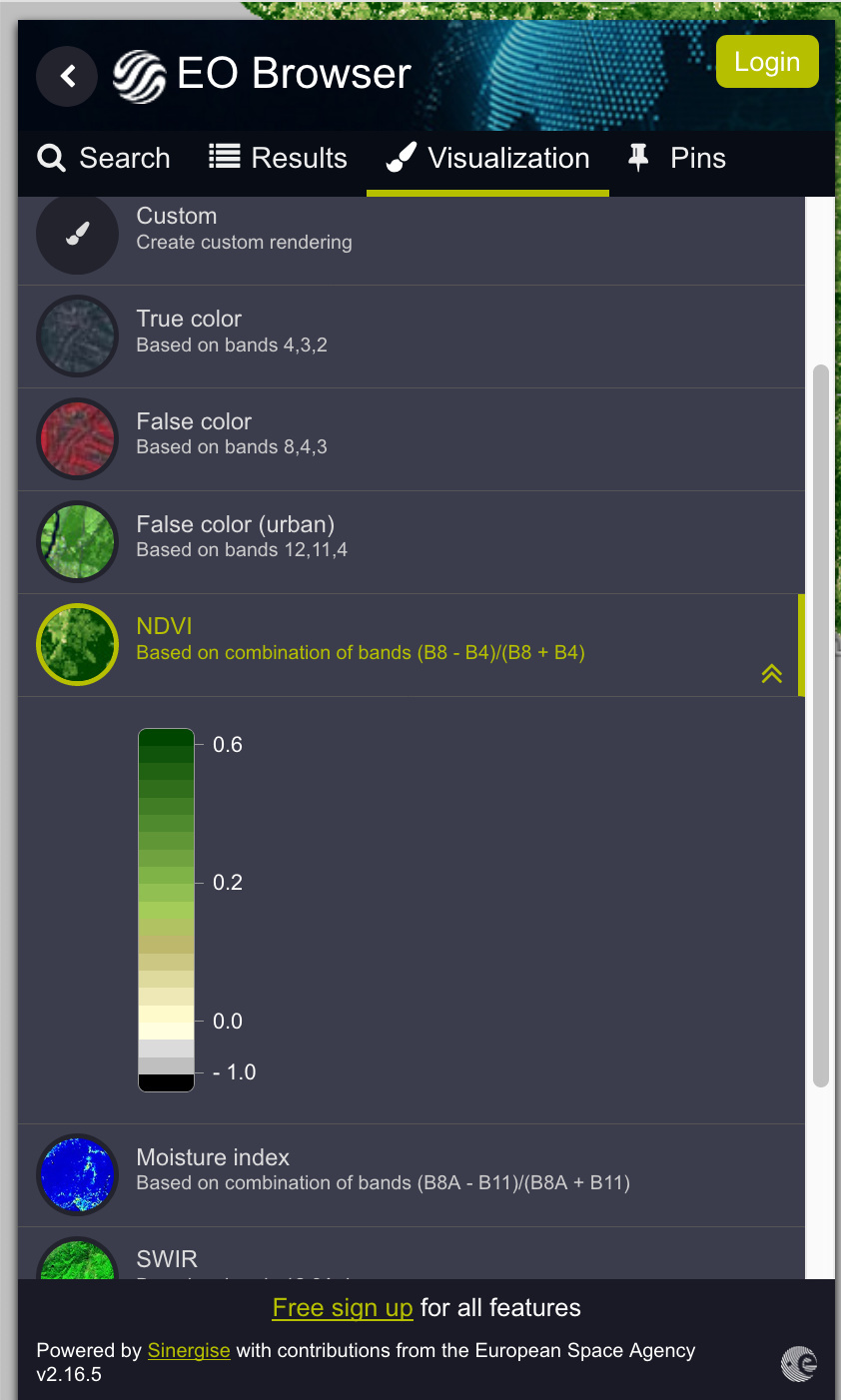
Now, what is a bit problematic with Playground, is that most of the available renderings (like “Color Infrared”, “Vegetation index” or “Moisture index”) cannot be easily understood because of the absence of a colorbar showing the color scale and the corresponding values.
For example, what is color associated to the highest moisture index, dark blue or light blue or something else? This is not easy to figure out since no information is given on that.
Apart from “Natural color” rendering, obviously , all the others renderings suffer more or less from this issue.
Another point (maybe trivial for you) but that it is not entirely clear to me is the the following: is the color scale always the same (for example: does the same color correspond to the same Moisture index value, in all the the maps, at any time and in any place, or there is some kind of normalisation in every map/tile, so that the same color corresponds to a value depending on the map?)
This should be clear if you could provide some color bar associated to the map, by the way.
So, is it possible to show the color scale (with the corresponding numerical values) on the Playground rendering itself? Or, if it is not, where can I find at least a reference color scale?
Is this problem bypassed or fixed by using your “EO-browser”?
Thank you in advance and best regards!